
Nov. 18, 2026

10 Min read

Payments

Share :


Education is one of the biggest and most regular expenses in an Indian household, and paying for it is rarely a single, simple transaction. A family may handle school or college fees, a transport vendor, a bookshop, a uniform supplier and occasionally a relative’s institute in another city. Each has its own deadline, process and payment route, and mixing them up can mean late fees, wasted trips or payments that go to the wrong place.
Finkeda is a fintech and digital banking platform, with offices in New Delhi, Gurugram and Noida. Its Finkeda Prime app includes an Education Fee Payment service that brings admission fees, institute fees, transport, books, stationery and uniforms into one app, available across India.
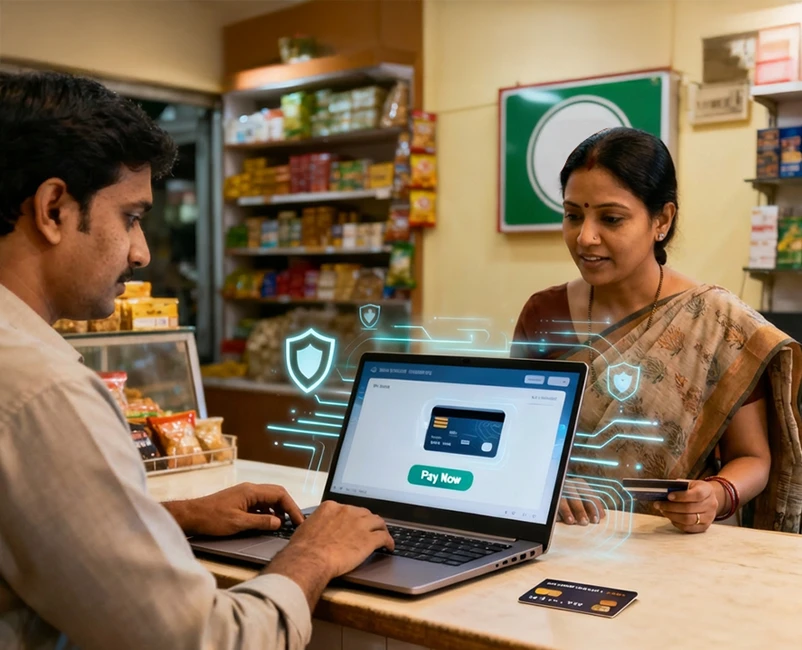
Every academic quarter, working parents like Meera face the same administrative hurdle: disjointed fee heads, manual bank deposits, and the scramble for physical receipts. Here is how Finkeda Prime replaces that friction with a unified, verifiable digital payment workflow.
In one line: Finkeda Prime app turns scattered education fee payments into one quick, secure and paperless app experience.
The situation: Meera’s fee season
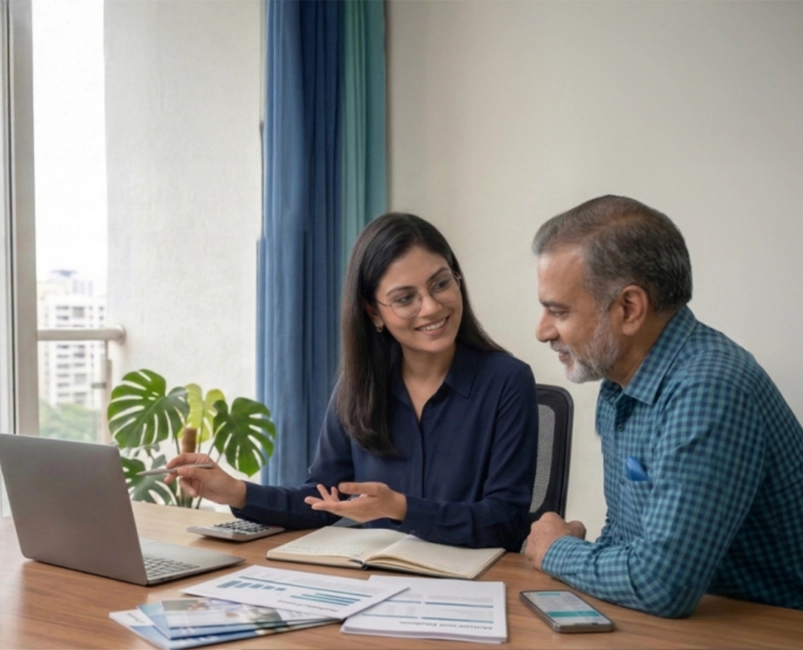
Meera is a working parent in a mid-sized Indian city. Her son is in Class 8, and she also helps pay her niece’s college fee in another city. The new session has begun, and her list looks like this:
| Item | Due | How she used to pay |
| School term fee | Friday | In person at the school office |
| School bus fee | Same week | Cash or a separate link from the vendor |
| Books and stationery | Before classes begin | Cash at the shop |
| Uniform | Before classes begin | Cash at the shop |
| Niece’s college fee | Next week | Phone calls to confirm the account, then a bank transfer |
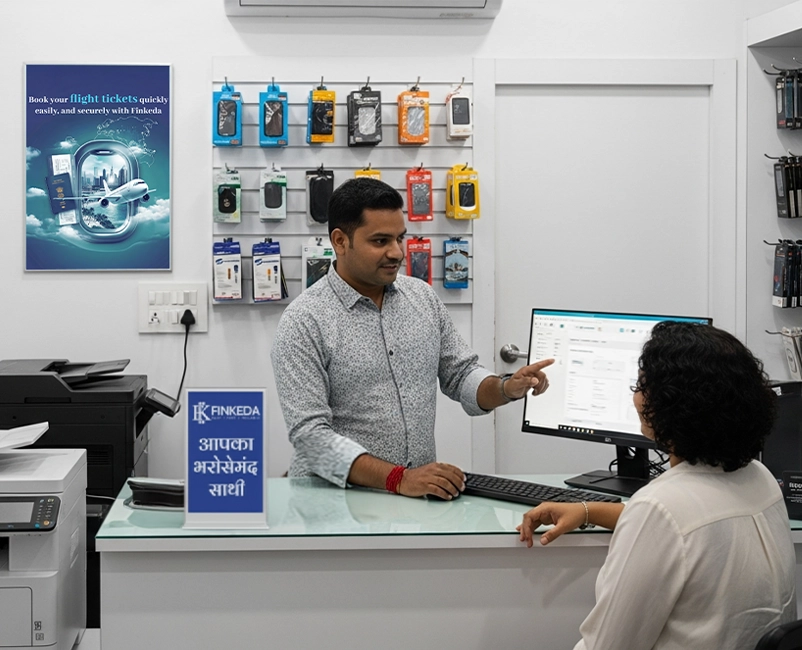
Before: Meera takes a half-day off to reach the school office before it closes. She waits in a queue, only to discover the accounts counter only takes tuition, and transport fees require a separate cash deposit at the bus depot.
That evening she calls her niece’s college to confirm account details, writes them down, and worries about a typo. Receipts end up in different bags, folders and WhatsApp chats.
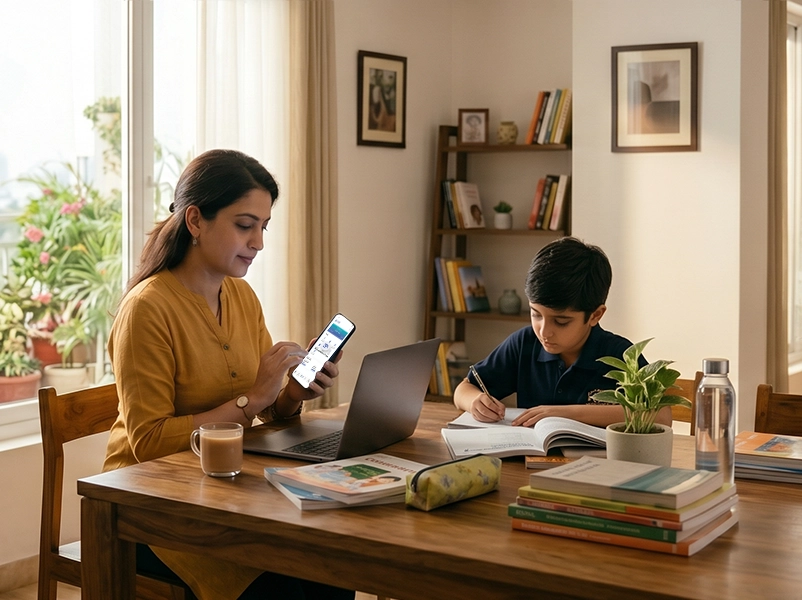
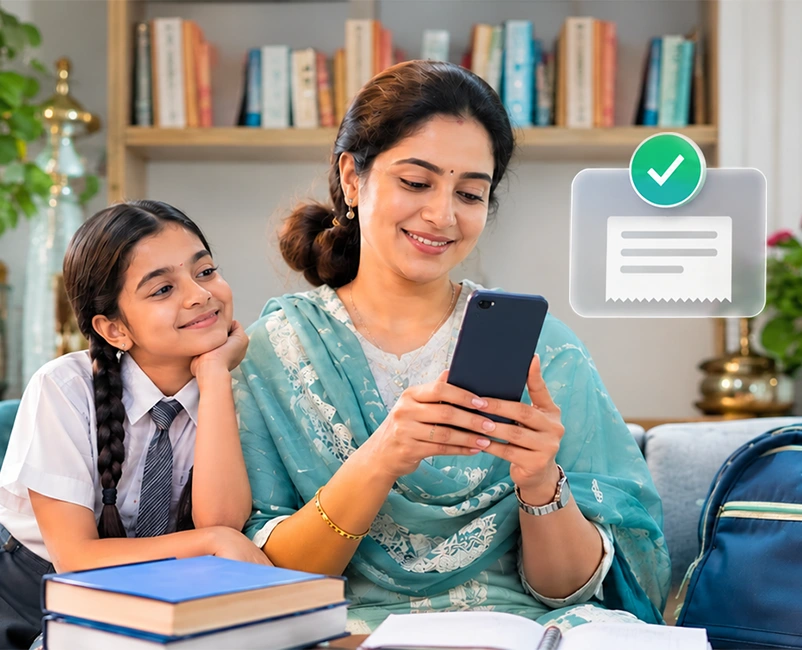
After: On her commute, she opens the Finkeda Prime app, enters the school’s beneficiary details and pays the term fee. She gets a confirmation and a digital receipt straight away. She adds the transport payment and the college details and pays them too. The receipts are in the app when she needs them for records or reimbursement.
Meera is a fictional character, but the situation is familiar to millions of families. Her real problem was never the money. It was the time, uncertainty and scattered paperwork.
Several things make fee payments more stressful than they need to be:
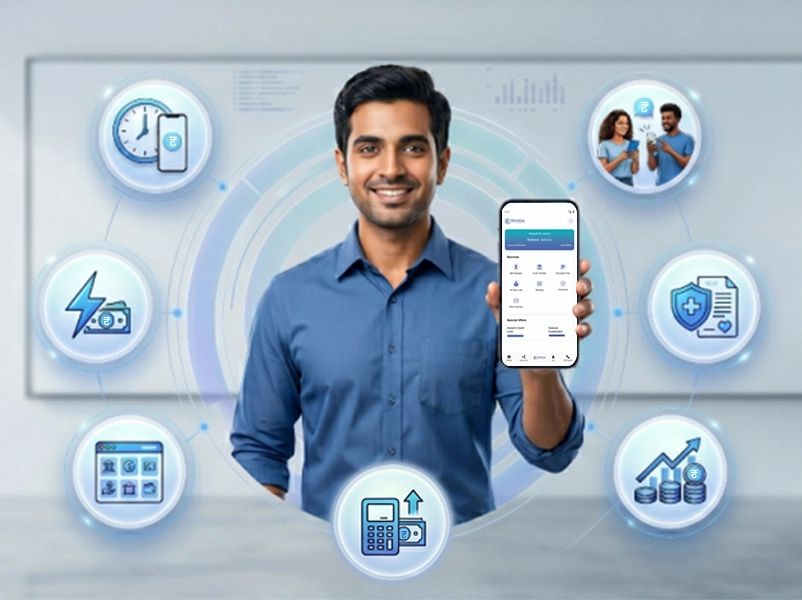
According to the Finkeda Prime app, the service allows users to pay admission fees, transport fees, stationery, books and uniform fees from a single application, with availability across India. School, college and other educational institute fees can be paid by linking a bank account and entering the institute’s details.
The idea is a one-stop education payment hub: one app, one registration, one place for receipts, instead of juggling separate logins, wallets and platforms.
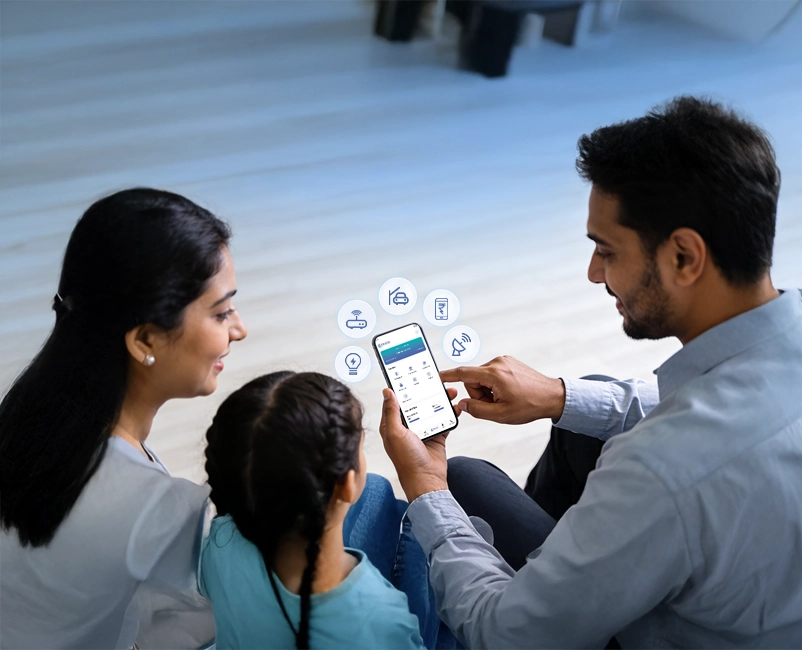
Everything education-related lives in one interface. For a family with two or three children, or with expenses at several institutions, this reduces the number of apps, logins and reminders to manage.
Admission fees often come with strict deadlines and large amounts. Finkeda says admission fees can be paid without manual processes, which removes the need to stand in line during the busiest part of the year.
Instead of forms and counters, you enter the details in the app and pay. For working parents this can mean the difference between a five-minute task and a half-day trip.
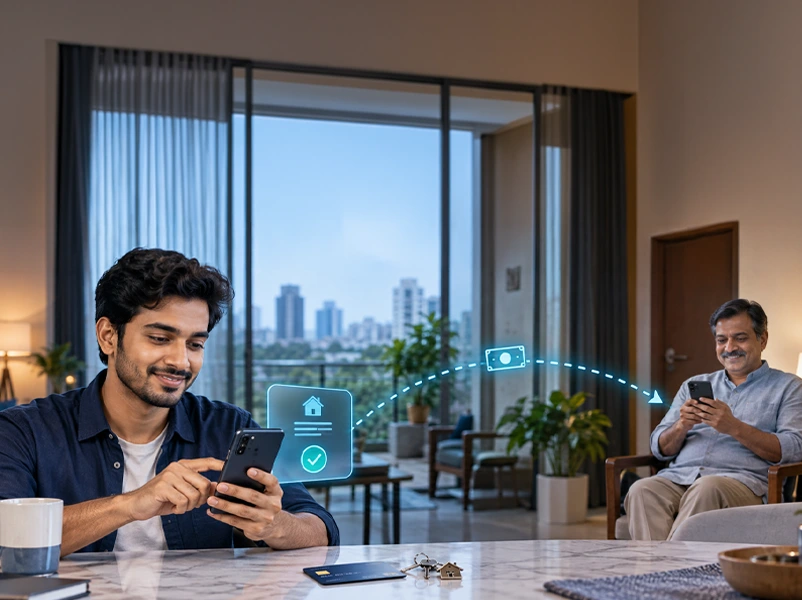
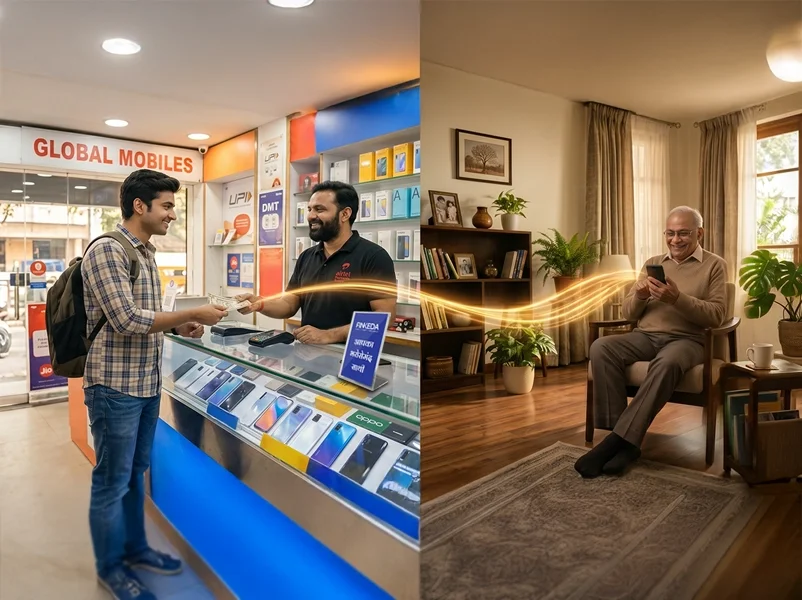
Finkeda states that you can pay another person’s institute fee as long as you have the beneficiary name and account details. This is useful for grandparents, uncles, aunts, older siblings and guardians who support a student they don’t live with.
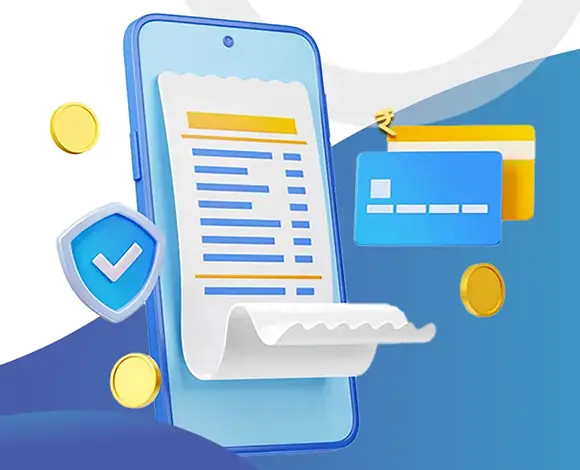
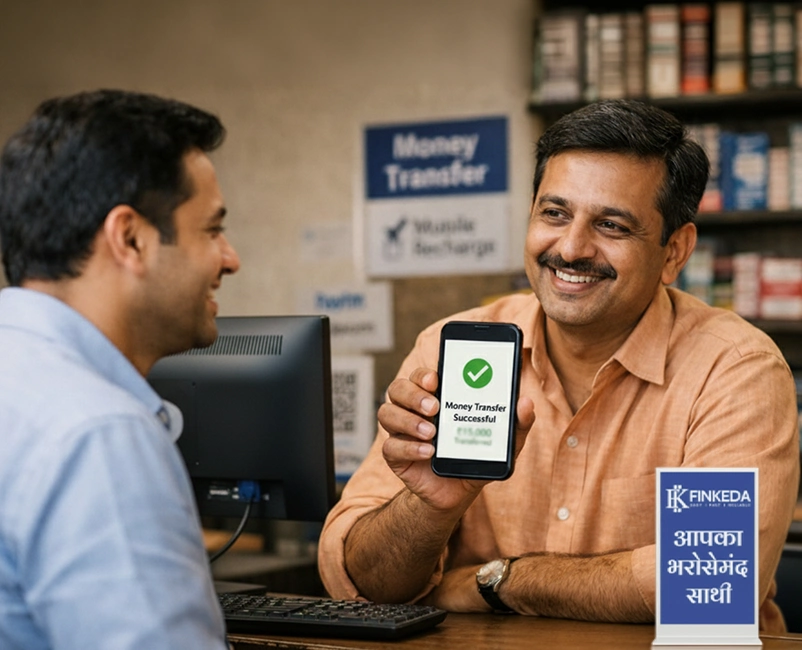
Each successful payment gives a real-time confirmation and notification, a reference ID and a downloadable digital receipt. Previous receipts can be downloaded again at any time.
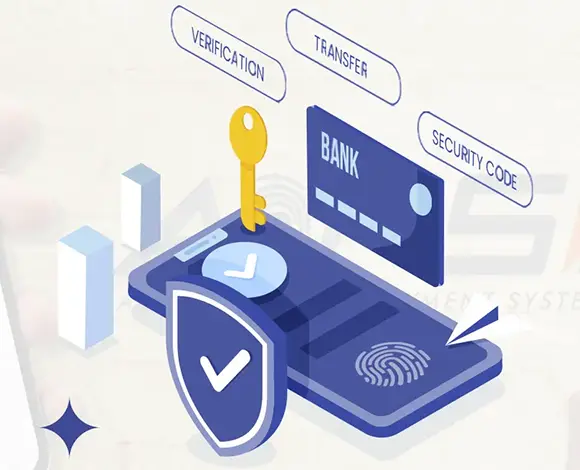
Finkeda says it follows RBI-approved digital protocols and uses end-to-end encryption to protect data and transactions. Users also set a PIN when they register.
The app is described as clean and easy to navigate and built to work on slower connections and older operating systems. That helps users in smaller towns or on older phones.
Finkeda highlights a trained support team reachable by call and chat, and not just a bot. Contact details on its site are help@finkeda.com and 0806 9627 000.
The app provides payment details and history, which suits parents and students who need to look up what they paid and when.
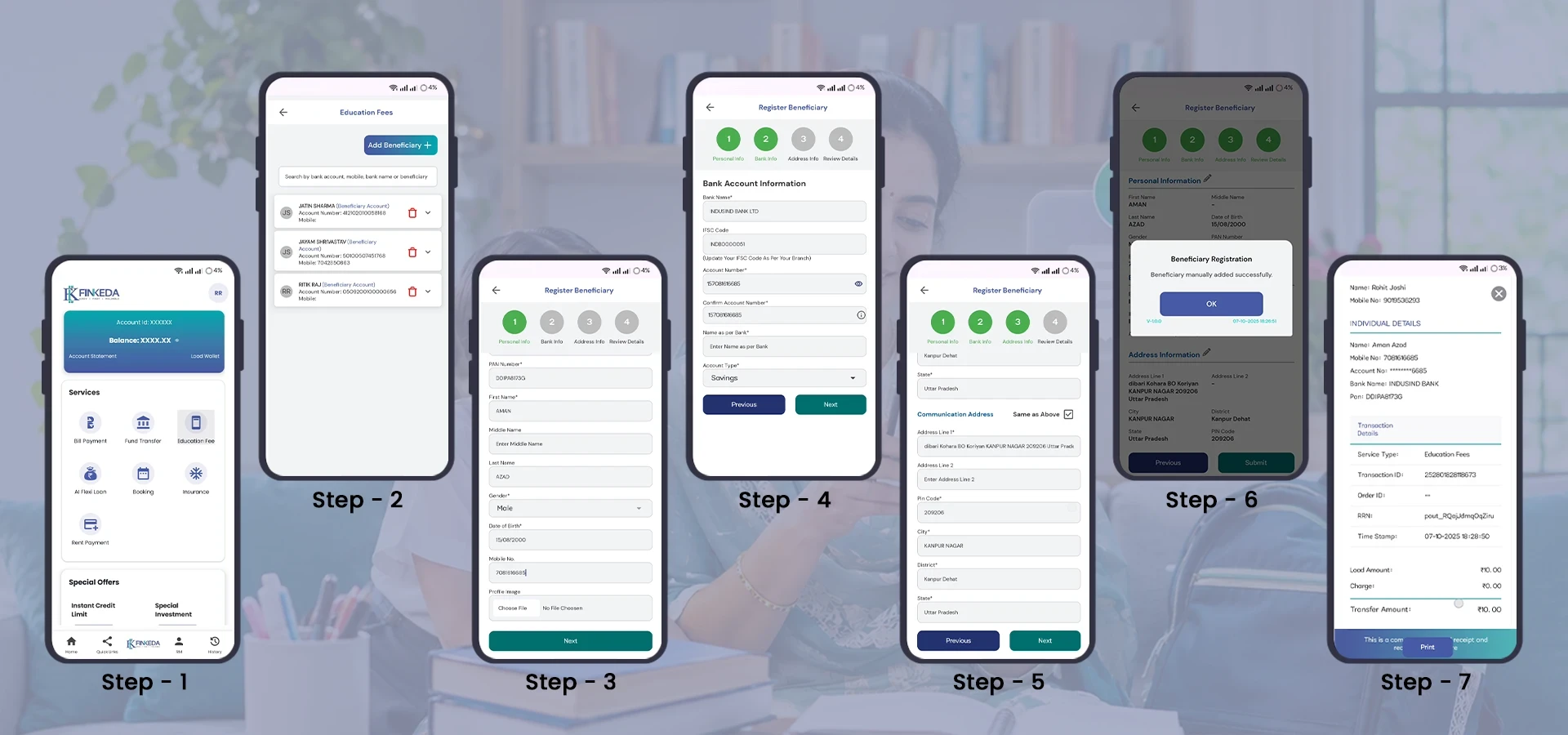
Step 1: Download and register
Step 2: Enter the institute’s bank details
Step 3: Proceed to pay
Step 4: Save your confirmation
Scenario A: The working parent
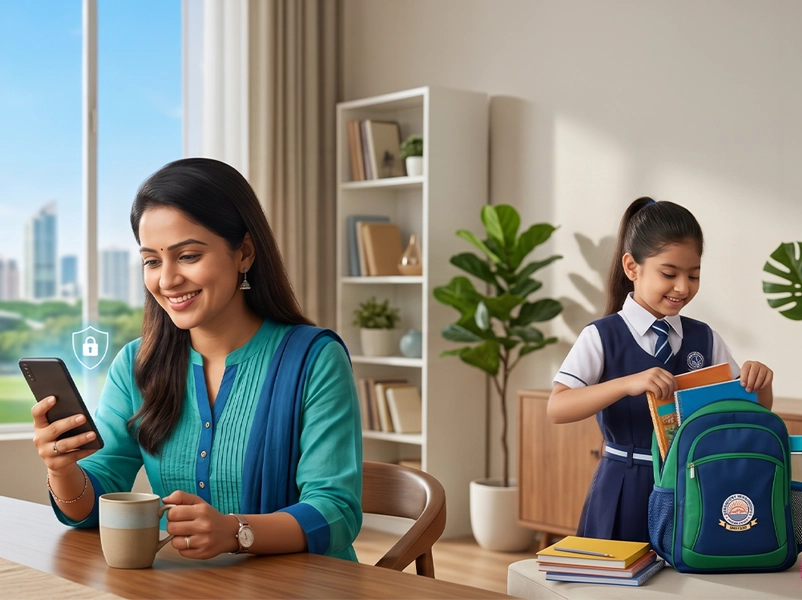
Anita works 9 to 6 and can’t reach the school office before it closes. She pays the term fee from her phone during lunch, downloads the receipt and forwards it to her spouse.
Scenario B: The grandparent paying from afar
Mr. Verma wants to pay his granddaughter’s college fee from his own account. He asks his son for the beneficiary name and account details, enters them in the app and pays. The student gets confirmation from the college, and Mr. Verma has his own receipt.
Scenario C: The student managing her own costs
Riya studies in another city and is responsible for part of her tuition. She pays from her phone without calling home to ask a parent to visit a bank.
Scenario: D: The small-town family
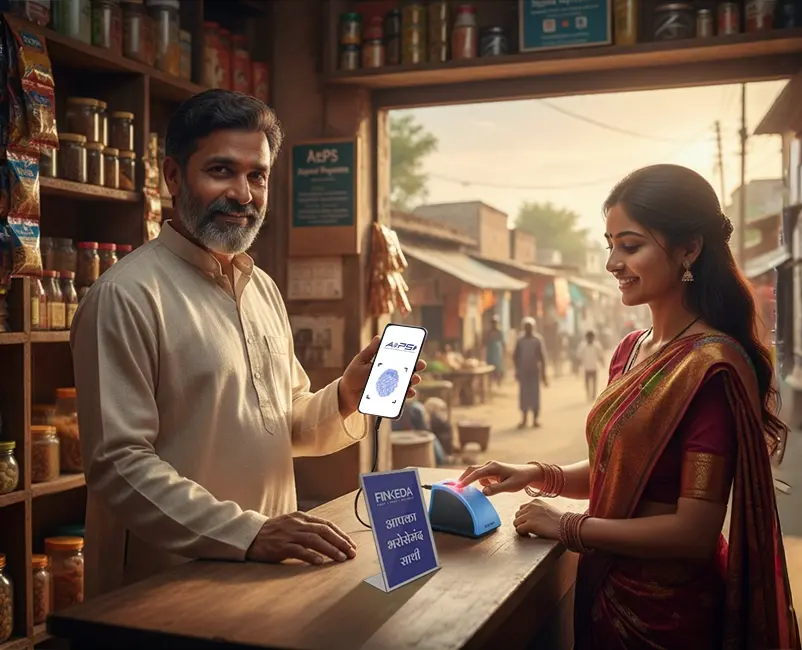
The nearest bank branch is a long, costly journey away. Instead of travelling for a single fee payment, the family uses the app on an older phone with a modest connection.
These scenarios are illustrative. Actual experience depends on your institution’s setup and your network, bank and payment method.
| Aspect | Typical traditional methods | Finkeda Prime (as described by Finkeda) |
| Where you pay | School office, bank branch or several separate links | One app |
| Time needed | Often a trip plus waiting | A few taps |
| Types of payment | Handled separately | Admission, fees, transport, books, stationery and uniforms together |
| Receipts | Paper, or scattered across messages | Instant digital receipt, downloadable anytime |
| Paying for a relative | Calls, screenshots and bank transfers | Enter beneficiary details and pay. |
| Records | Hard to track | History and receipts in the app |
| Instalments | Depends on the institution. | Not accepted on the platform |
Money deducted but payment not updated
Finkeda says the refund usually arrives within 3-5 working days, and the status may also update automatically once the institution has verified the transaction. Keep your transaction ID handy.
Who to contact
Use the helpdesk on the payment portal, email help@finkeda.com or call 0806 9627 000. Also tell your institution’s accounts office if the payment is near the deadline.
Wanting a refund after a successful payment
Education fees are usually non-refundable, and policies differ by institution, so check with your school or college.
Education payments are among a family’s most important, recurring, and scattered expenses.Finkeda Prime consolidates these fragmented workflows into a single interface: one secure registration, unified receipt management, and dedicated customer support. It won’t remove every constraint, since instalments aren’t accepted and refunds depend on your institution, but for many families it can turn a stressful fee season into a short task. Before you start, confirm the details with your institution and review the app’s terms for the service.
Finkeda brings admission fees, school or college fees, transport, books, stationery and uniform payments into one app, Finkeda Prime App. You register once, enter the institute’s beneficiary details and pay in a few taps. You get an instant confirmation and a downloadable digital receipt, with no queues or paperwork.
The easiest way is the one that is quick, verified and gives you a receipt. That could be your institution’s own portal, a UPI or bank transfer to verified account details, or an all-in-one app like the Finkeda Prime app if you pay for several kinds of education expenses. Whichever you choose, confirm the account details from an official source and save your receipt.
You register on the platform, add the institute’s bank details as a beneficiary, choose a payment mode and pay. The platform routes the payment through the banking network to the institution and then sends you a confirmation, reference ID, and receipt. On the Finkeda Prime app, the steps are to download the app, register, enter the beneficiary details and proceed to pay.
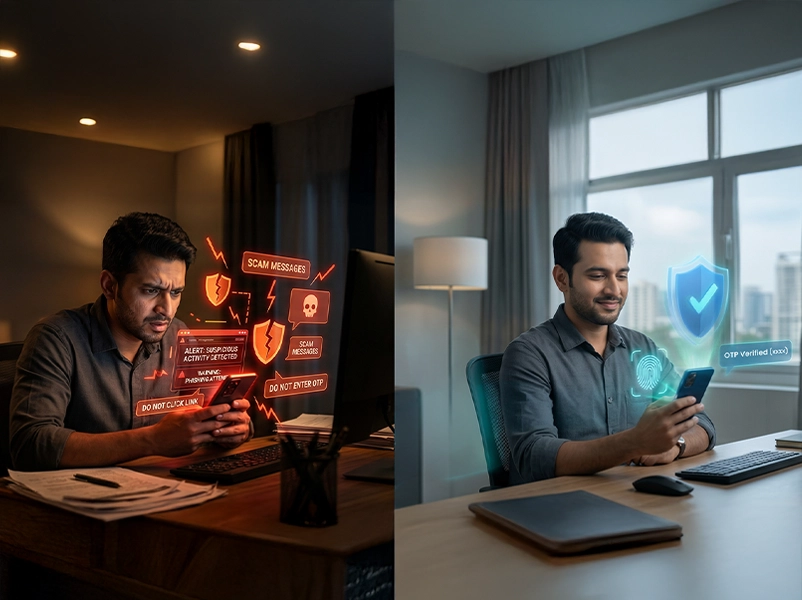
While regulated banking systems enforce strict settlement and processing standards, regulatory oversight alone does not eliminate transaction risks such as misdirected funds, credential compromise, or phishing. Comprehensive payment safety depends on both platform-level protections and user vigilance.
Finkeda Prime operates in alignment with RBI-mandated digital payment frameworks, implementing end-to-end data encryption in transit and rest, two-factor authentication (2FA), and secure session handling to protect transaction data against unauthorized interception.
Technical controls cannot protect against incorrect data entry or compromised login credentials. To ensure transaction integrity, always transact through the verified Finkeda Prime app, cross-verify the institution’s unique identifier and biller ID before authorizing debits, avoid transacting over unsecured public Wi-Fi networks, and never disclose OTPs or UPI PINs to anyone, including institutional staff or support representatives.
Most people are already comfortable paying by smartphone and UPI. Digital payment saves time for working parents, gives instant proof of payment, lets relatives in other cities pay remotely and reduces trips to school offices and banks. Many institutions also now offer or prefer online fee collection.
Disclaimer: This blog is for general informational purposes only and is based on information publicly available on Finkeda’s website at the time of writing. It is not financial, legal or professional advice, and it is not an endorsement or guarantee of any service. Features, payment modes, fees, availability, turnaround times and refund policies may change and may vary by institution, bank and payment method. The stories of “Meera” and the other scenarios are fictional and included only for illustration. Safety tips and checklists are general guidance. Please verify current details directly on the official Finkeda website or app, read its Terms and Conditions, Refund Policy and Privacy Policy, and confirm payment details with your educational institution before making any transaction. Finkeda and its marks belong to their respective owners.
Share :
Like:
0